How Apple Intelligence Is Reshaping Productivity for Parents in 2026
- Wendell Caesar
- Mar 29
- 3 min read

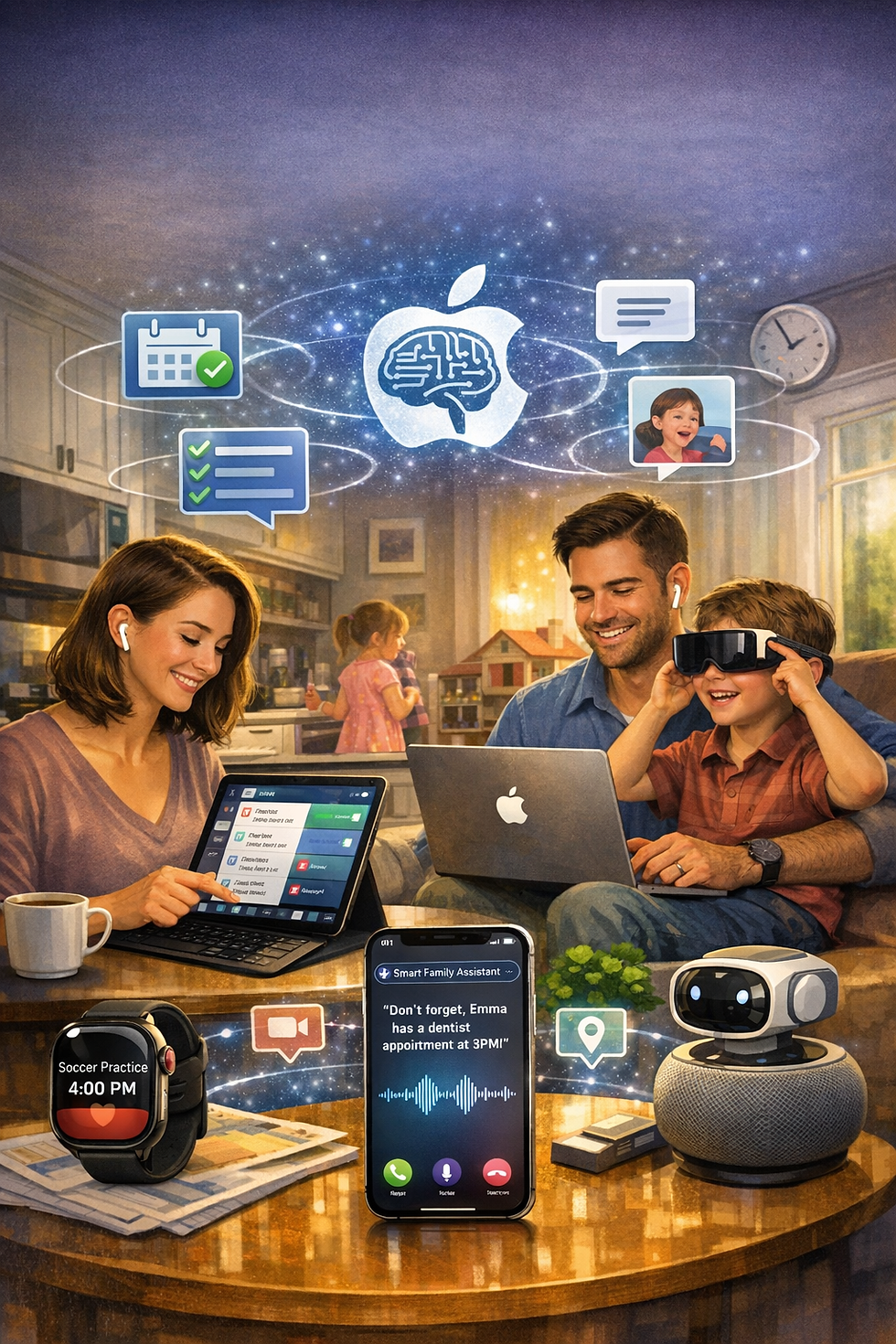
Parenting in 2026 feels like juggling three timelines at once: your kids’ schedules, your work responsibilities, and the quiet goals you’re trying to keep alive for yourself. Apple Intelligence has stepped into that chaos in a surprisingly grounded way—not by adding more noise, but by quietly removing friction from everyday life. For parents, that shift is huge.
A Smarter, Calmer Digital Home Base
Apple Intelligence isn’t about flashy features. It’s about reducing the mental load that parents carry every day. The system now understands context across apps, messages, and routines, which means it can anticipate what you need before you even ask.
A few examples that hit home for busy families:
It pulls reminders from conversations automatically (“Don’t forget the field trip form”) and turns them into tasks.
It summarizes long school emails into a few digestible lines.
It organizes photos of your kids by events, not just faces—Taekwondo belt tests, birthdays, school projects.
It keeps track of recurring family logistics without you having to set anything up manually.
These small wins add up to a calmer day.
Communication That Actually Saves Time
Parents spend a surprising amount of time decoding messages—school updates, sports schedules, family group chats, work notifications. Apple Intelligence now handles the heavy lifting.
What this looks like in real life:
Message summaries that highlight only what matters (“Practice moved to 6 PM,” “Bring snacks tomorrow”).
Smart replies that sound like you, not a robot.
Contextual reminders that trigger based on what you said earlier in the week.
It’s not about doing more—it’s about doing less while staying fully informed.
A Personal Assistant That Understands Family Life
Apple Intelligence now blends your calendar, your kids’ schedules, and your habits into one adaptive system. It’s not perfect, but it’s finally useful in a way that feels human.
Where it shines for parents:
It notices when your evenings are overloaded and suggests shifting tasks.
It helps plan meals by pulling from your notes, grocery lists, and past favorites.
It creates quick summaries of your day so you can reset before bed.
It helps you track personal goals—fitness, reading, journaling—without nagging.
For parents trying to stay disciplined while raising kids, this kind of support is gold.
Productivity Without the Pressure
One of the best parts of Apple Intelligence is how it supports intentional living without overwhelming you with data. It’s not trying to turn you into a productivity machine—it’s helping you reclaim time and attention.
The biggest benefits:
Less screen time because you get what you need faster.
More presence because your phone becomes a tool, not a distraction.
Better routines because the system adapts to your real life, not the idealized version of it.
As a dad, I’ve felt the difference. My evenings are smoother, my mornings are calmer, and I’m spending more time on the things that matter—training, writing, and being present with my kids.
How Parents Can Start Using Apple Intelligence Today
A few simple steps make the biggest impact:
Turn on message summaries for school and sports groups.
Use natural language reminders (“Remind me when we get home to sign the form”).
Let Apple Intelligence auto‑organize your photos by events.
Use daily summaries to reset your focus.
Lean on smart suggestions for meal planning, scheduling, and follow‑ups.
Use Visual Intelligence to Capture Event Details
Summarize Voicemails and Notes Automatically
Turn On Priority Notifications for Time-Sensitive Alerts
Let Genmoji and Image Playground Add Fun to Family Chats
These aren’t big changes—they’re small habits that create more space in your day.
A Closing Thought
Parenting will always be busy, but it doesn’t have to feel chaotic. Apple Intelligence isn’t replacing the work we do—it’s removing the friction around it. And in a season of life where every minute counts, that’s a meaningful shift.
If you’ve started using Apple Intelligence in your daily routines, share what’s been most helpful. Your experience might be the tip another parent needs.


Comments